
Step 1
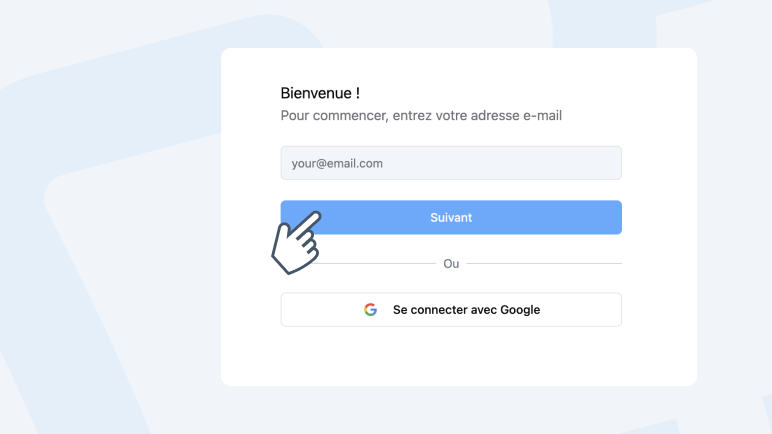
Create your event
Name, date, venue, description. 2 minutes flat.
Your attendees arrive with their QR code, your team scans with the PassPass app. A smartphone is all you need, no equipment to rent and no training required. Everything is synced in real time.
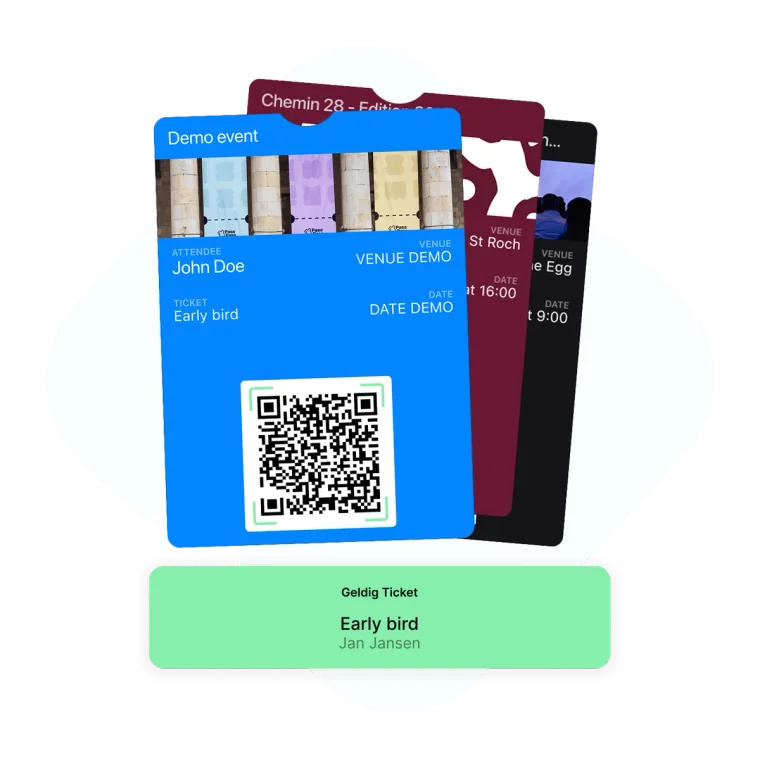
From e-ticket to scan, your attendees only need their phone.
After their purchase, your attendees receive their e-ticket by email with a unique QR code. They have nothing else to do. On the day, they present their QR code on their phone screen or printed.
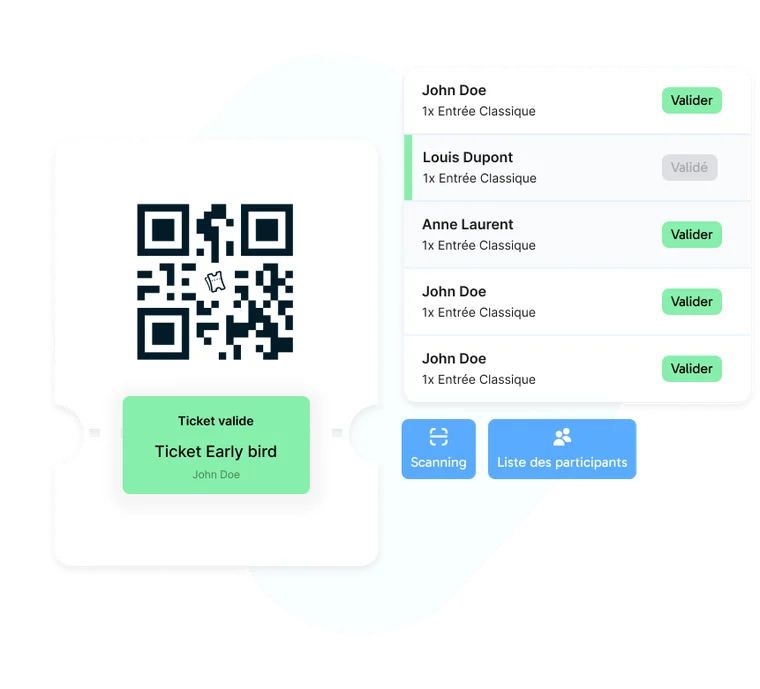
Manage your team of validators and track entries in real time.
Download the PassPass app from the App Store or Google Play. Log in with your account and start scanning. The app works on any smartphone, no dedicated hardware needed.
Event creation
Early bird
Add-on products
QR code scan
Real-time dashboard
CSV/Excel export
Peppol invoices
Multi-language
Public page
Human support
Multi-tickets
Promo codes
Custom fields
Mobile app
Team management
Automated emails
Stripe payments
Customisation
Statistics
Badge printing
Create your event and sell your first tickets in minutes
Name, date, venue, description. 2 minutes flat.
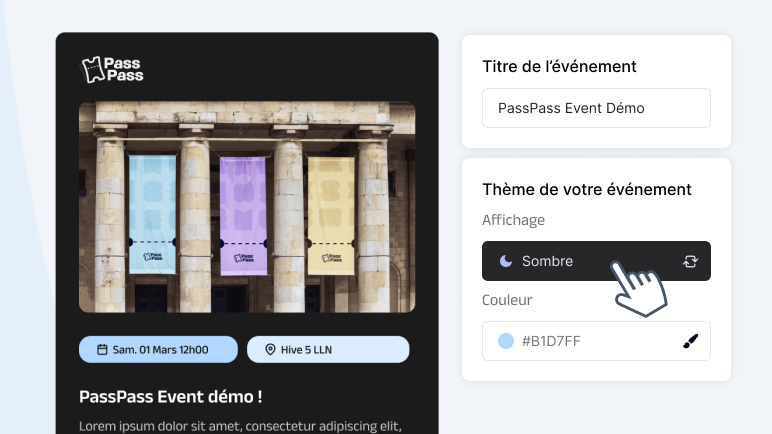
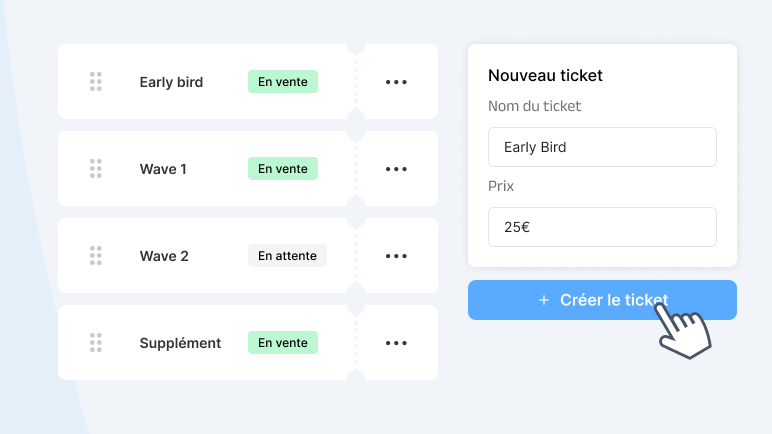
Prices, quantities, early bird, options. You decide.
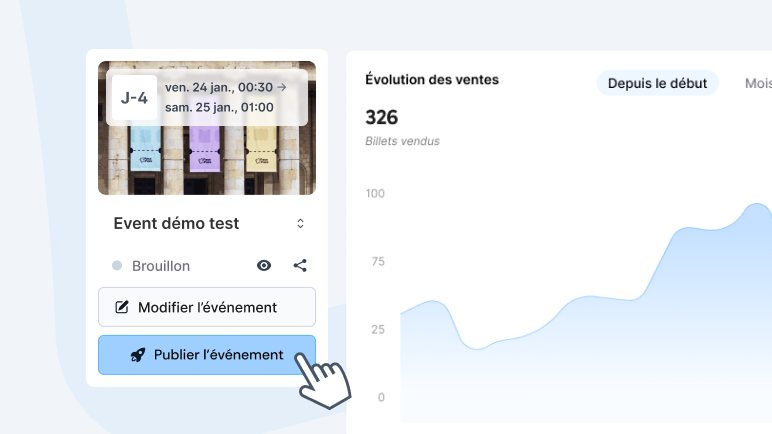
Send the link by email, social media or embed on your site.
On the day, open the app and scan. Everything is synced.
Everything you need to know about PassPass.
Create your free account in 30 seconds. No credit card, no commitment.